

- Terrain
- 25,963 views • 9 today
- 8,132 downloads • 3 today


32
~~~~~~~~~~~~~~~~~~~~~~~~~~~~~~~~~~~~~~~~~~~~~~~~~~~~~~~~~~~~~~~~~~~~
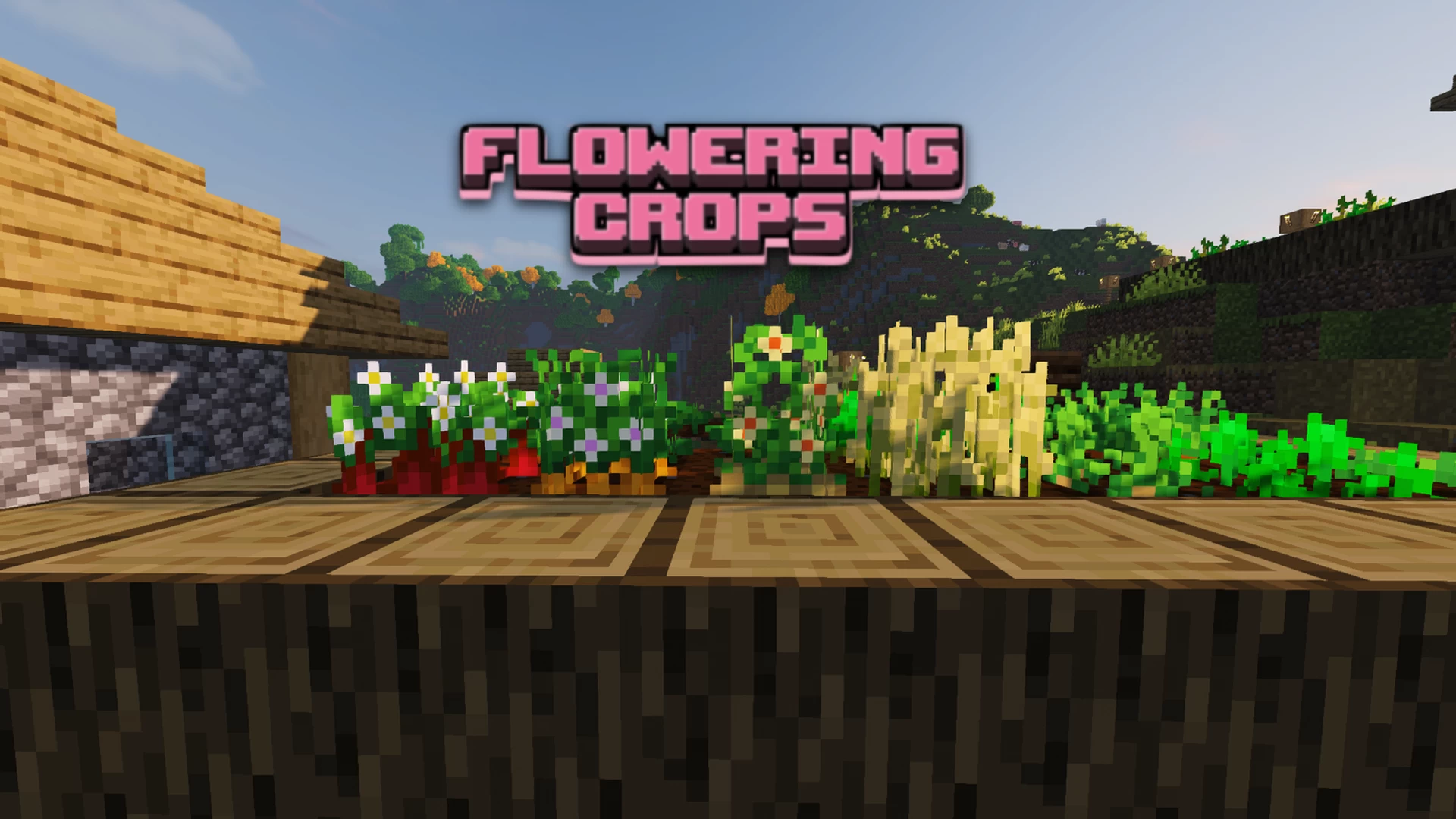
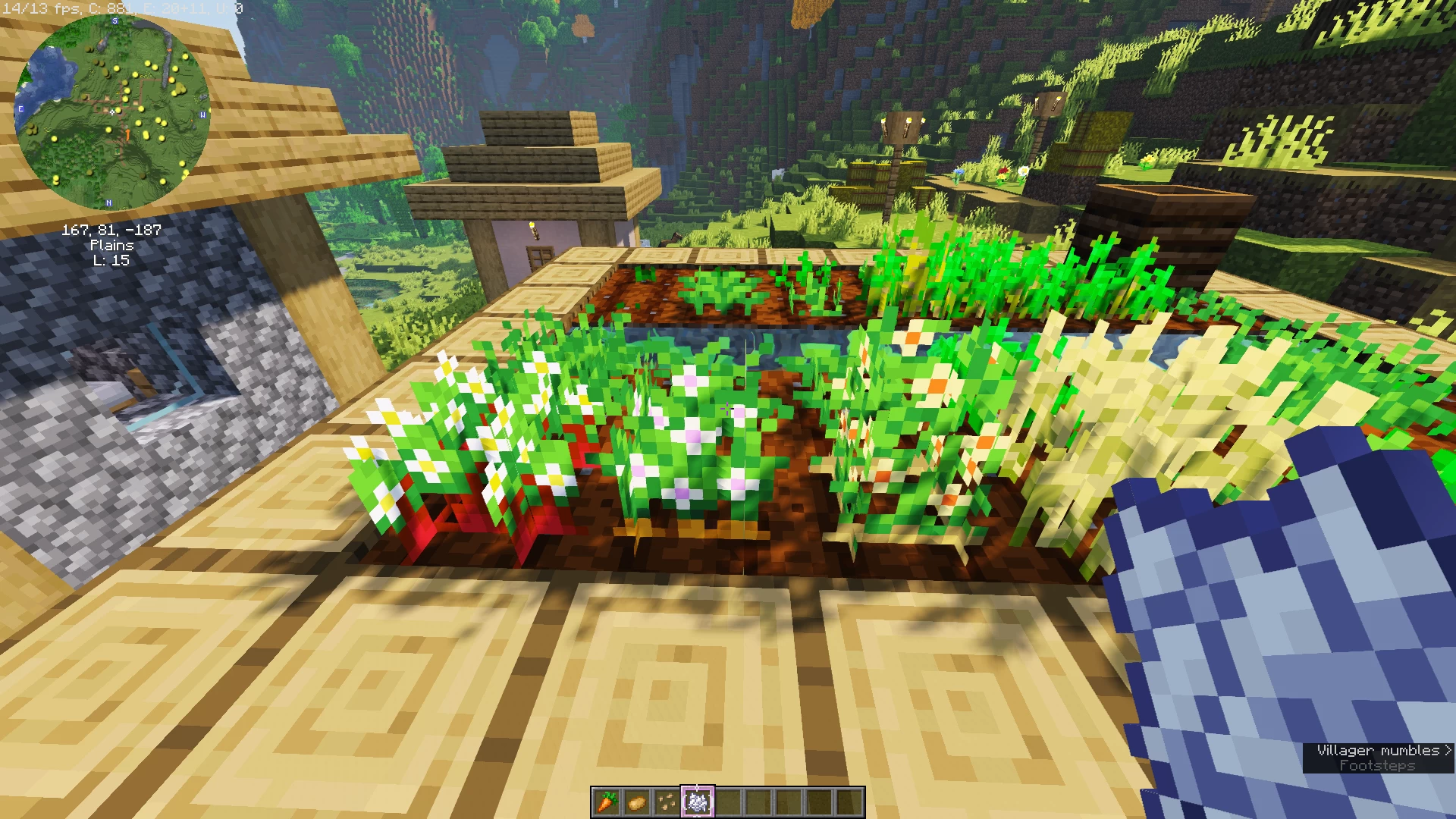
Flowers on full grown crops, so it is easier to see if the crops are ready to harvest when you are in a hurry.
-----
Flowering Crops are:
-- Beetroots
-- Carrots
-- Potatoes
-- Wheat texture is already changed when it becomes full grown by default.
Texture pack for Bedrock players:
Twilight’s Flowering Crops, Parzival’s Bedrock port
~~~~~~~~~~~~~~~~~~~~~~~~~~~~~~~~~~~~~~~~~~~~~~~~~~~~~~~~~~~~~~~~~~~~
Term of use:
- you can use and enjoy it
- you can use it in your videos, take pictures, or show it to friends ( just be sure to credit me and leave the link to this texture pack)
You cannot:
- Rename and claim this pack as your own
- Retexture this pack
- Take textures from this pack and put them in other packs
Shader pack:
projectLUMA+-+v1
Flowers on full grown crops, so it is easier to see if the crops are ready to harvest when you are in a hurry.
-----
Flowering Crops are:
-- Beetroots
-- Carrots
-- Potatoes
-- Wheat texture is already changed when it becomes full grown by default.
Texture pack for Bedrock players:
Twilight’s Flowering Crops, Parzival’s Bedrock port
~~~~~~~~~~~~~~~~~~~~~~~~~~~~~~~~~~~~~~~~~~~~~~~~~~~~~~~~~~~~~~~~~~~~
Term of use:
- you can use and enjoy it
- you can use it in your videos, take pictures, or show it to friends ( just be sure to credit me and leave the link to this texture pack)
You cannot:
- Rename and claim this pack as your own
- Retexture this pack
- Take textures from this pack and put them in other packs
Feel free to diamond and heart if you like the pack :)
Shader pack:
projectLUMA+-+v1
| Progress | 100% complete |
| Game Version | Minecraft 1.20 |
| Tags |
1 Update Logs
Available for 1.19.4 : by BlossomWisteria 04/08/2023 5:08:37 pmApril 8, 2023 @ 9:08 pm UTC
Update to Java 1.19.4
5685616
4








 cranzag
![Java HUD UI [v2.1] Minecraft Texture Pack](https://static.planetminecraft.com/files/image/minecraft/texture-pack/2026/203/19872704-javahudui_s.jpg)
 Uvy
Uvy
 The Hopper Guy
 LyraTheCreature
 4u8
4u8
Have something to say?
To unzip: Right click on the zipped file and select "Extract all". A window will pop up showing you your extracted file. Drag and drop that file onto your desktop. THIS is the folder you will put into your resourcepacks folder.