

Published Jun 26th, 2013, 6/26/13 12:06 pm
- 924 views • 1 today
- 28 downloads • 0 today


10
Hexadecimal Counter With Display [STACKABLE][COMPACT][FAST]
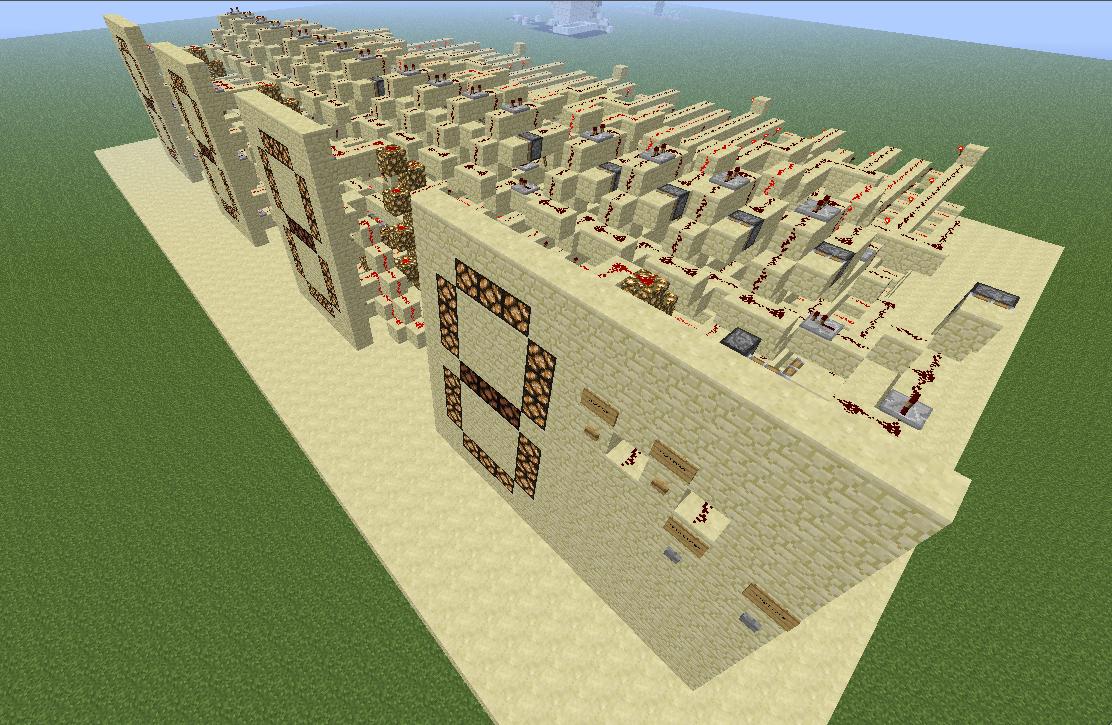
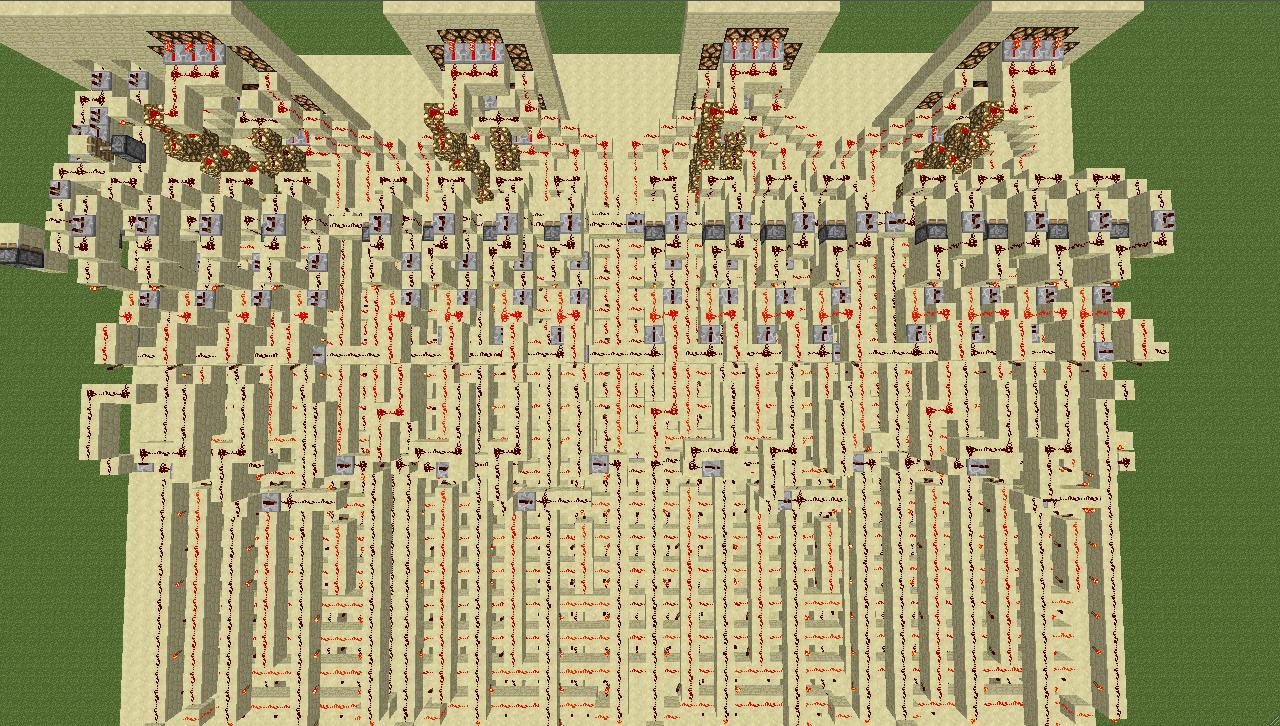
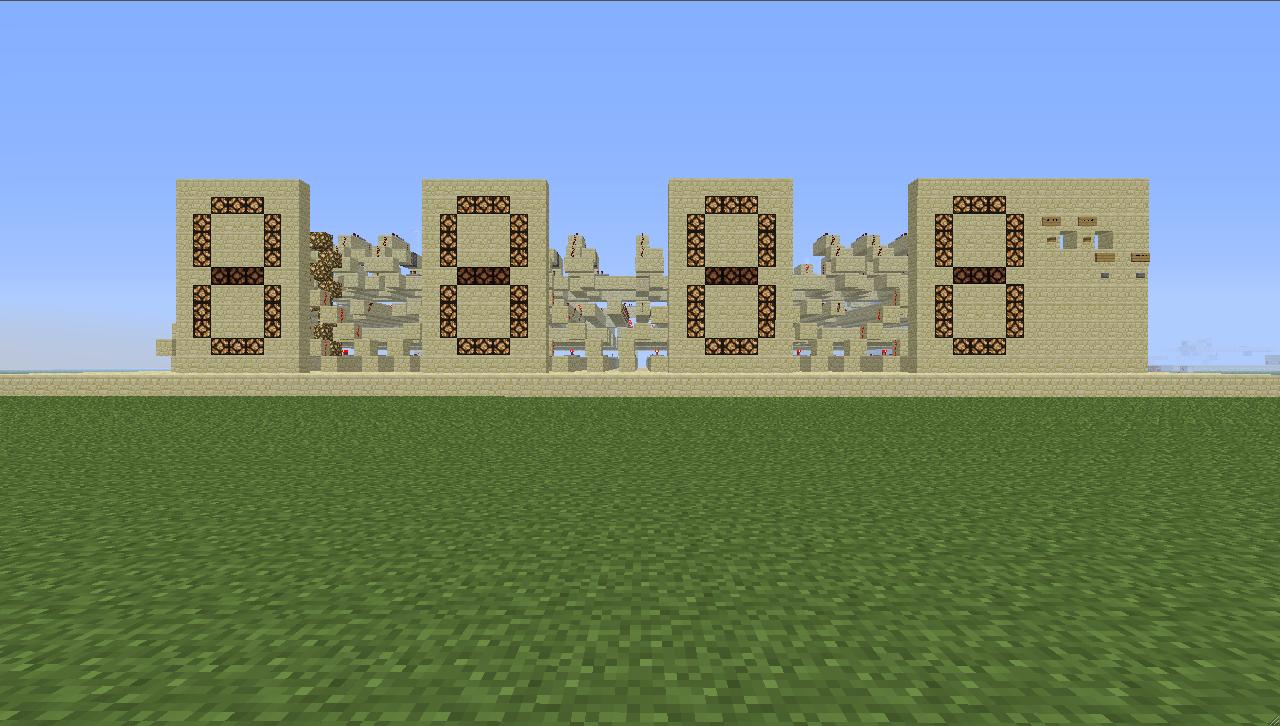
This device with display counts from 0000 to FFFF (65535 in decimal). After FFFF it resets to 0000. It uses four 4 bit counters with one decoder per display.
The schematic consists of one counter made from 4 slices.
This device is known as a counter. It has two different modes: count continuously and count once. Four buttons on the right control this device. The wooden button on the right starts the internal clock that counts continuously, the wooden button on the left stops the internal clock. Below these wooden buttons are two another stone buttons. The right stone button makes this counter count once and the left stone button resets the counter to 0.
You may want to alter the internal clock speed. The possible minimum is about 2 ticks, but you probably won't do that because the display can't keep up with the internal clock. When the interal clock is timed at 4 ticks or less, you need to replace the repeater between the two wooden buttons with a redstone wire. The minimum speed that the display needs to keep up with the internal clock is about 4 ticks, but it is recommended to use 8 ticks or more.
Note: the signs on our control panel are not included in the schematic yet.
Quick Overview
- Dimensions: 39x70x11
- Range: 0000-FFFF (65535). resets on overflow
- Modes: count continuously and count once
- Reset: automatic and manual
- Clock: internal clock timed at 10 ticks (1 sec)
- Download: schematic (see link)
Overview
This device with display counts from 0000 to FFFF (65535 in decimal). After FFFF it resets to 0000. It uses four 4 bit counters with one decoder per display.
The schematic consists of one counter made from 4 slices.
Detailed explanation
This device is known as a counter. It has two different modes: count continuously and count once. Four buttons on the right control this device. The wooden button on the right starts the internal clock that counts continuously, the wooden button on the left stops the internal clock. Below these wooden buttons are two another stone buttons. The right stone button makes this counter count once and the left stone button resets the counter to 0.
Overclocking your counter
You may want to alter the internal clock speed. The possible minimum is about 2 ticks, but you probably won't do that because the display can't keep up with the internal clock. When the interal clock is timed at 4 ticks or less, you need to replace the repeater between the two wooden buttons with a redstone wire. The minimum speed that the display needs to keep up with the internal clock is about 4 ticks, but it is recommended to use 8 ticks or more.
Note: the signs on our control panel are not included in the schematic yet.
| Credit | XenoTech, MCMedicijnman |
| Progress | 100% complete |
| Tags |
2263377
2
![[STACKABLE][COMPACT][FAST] 8x8 display Minecraft Map & Project](https://static.planetminecraft.com/files/resource_media/screenshot/1331/panorama_6076019_thumb.jpg)
![[STACKABLE][COMPACT][FAST] Hexadecimal Counter With Display Minecraft Map & Project](https://static.planetminecraft.com/files/resource_media/screenshot/1326/Panorama_5799439_thumb.jpg)
![[FAST] Mono-directional Read and Write Tape (46 bytes) Minecraft Map & Project](https://static.planetminecraft.com/files/resource_media/screenshot/1322/Panorama_5570844_thumb.jpg)
![Arithmetic Logical Unit [8 bit] Minecraft Map & Project](https://static.planetminecraft.com/files/resource_media/screenshot/1320/Panorama-View-1_5498209_thumb.jpg)

 TheHoplessBanana
 cadbane86140

 iLMDDz




 RicoPico1516
 unibrandon
 AJ051813
 endlessbuilding

Have something to say?
And thanks for your feedback ;)
I'll update the description a little bit and maybe I'll upload another schematic with signs near the buttons so that people can understand what this redstone device can do.
And thanks for your feedback ;)